Social Media Image Sizes: Guidelines for Posts on 8 Major Networks
Awkwardly cropped photos and pixelated images are a fast way to kill your social media engagement. But figuring out social media image sizes for each social network is tricky, especially considering how many different image options each platform offers. For this post, we’ll focus on the social media images you share with your updates, cover photos, and profile photos.
Using the ideal image size and correct specs for each type of post on every platform is crucial. If you want to prevent people from scrolling right past your content, you have to share eye-catching images that display well in the feed.
Social media image sizes cheat sheet
Here’s a quick look at the recommended image sizes for each social media platform. Click the links to jump to each section for details and examples. All dimensions refer to width and height in pixels.
-
Facebook
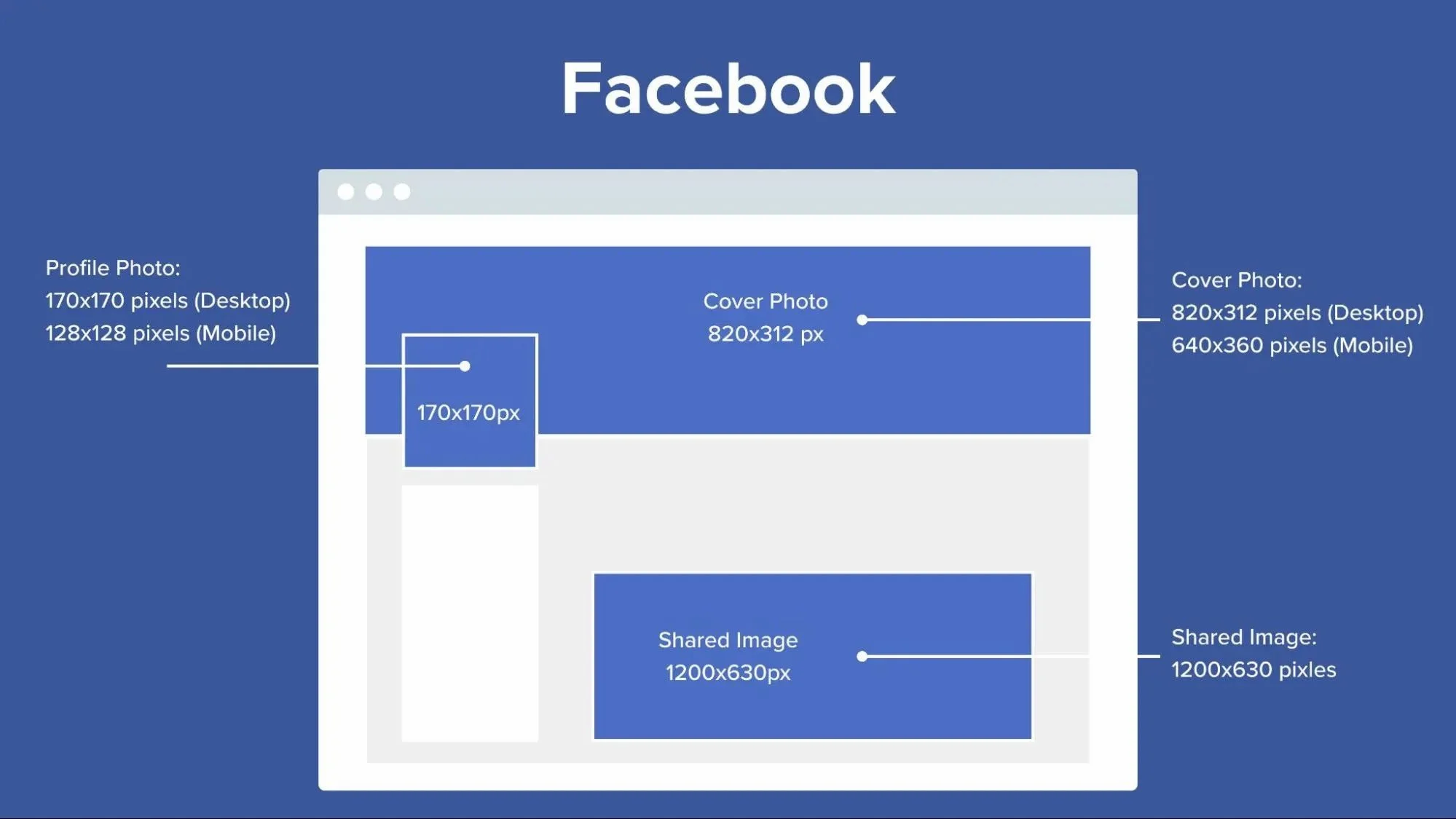
• Horizontal (landscape) images: 1,200 x 630 pixels
• Vertical (portrait) images: 1,080 x 1,350 pixels
• Multiple images: 1,200 x 1,200
• Links with an image: 1,200 x 630 pixels
• Facebook Stories: 1,080 x 1,920 pixels
• Profile photo: 196 x 196 pixels
• Cover photo: 851 x 315 pixels (Profile, Page, and Group), 1200 x 628 pixels (Event)
-
Instagram
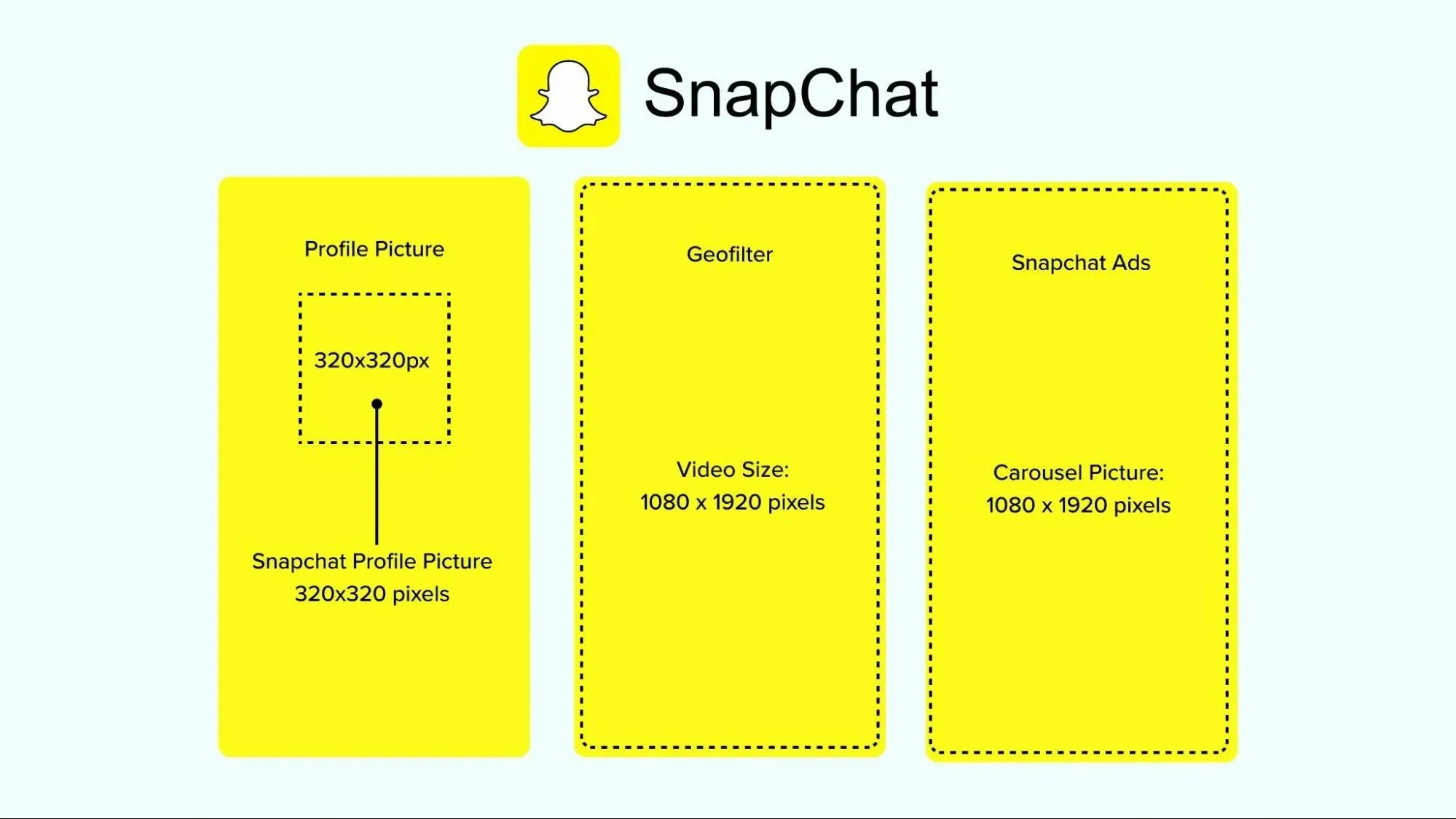
• Profile image: 320 x 320 pixels
• Sharing square images: 1,080 x 1,080 pixels
• Sharing horizontal images: 1,080 x 566 pixels
• Sharing vertical images: 1,080 x 1,350 pixels
• Sharing Stories: 1,080 x 1,920 pixels
-
X/Twitter
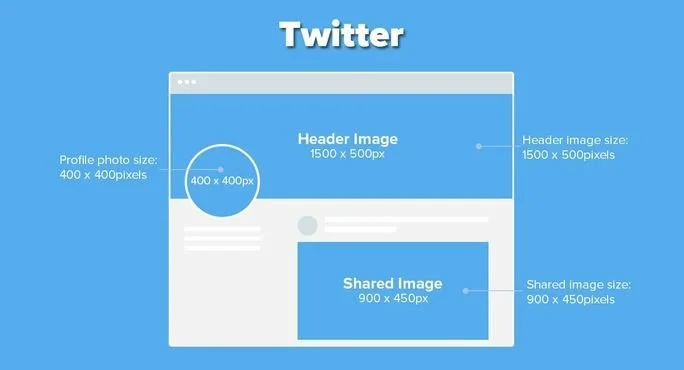
• Profile image: 400 x 400 pixels
• Sharing a single horizontal image: 1,200 x 675 pixels
• Single vertical image: 675 x 1,200 pixels
• Sharing multiple images: 1,200 x 675 pixels
• Sharing links with an image: 800 x 418 pixels
• Cover image: 1,500 x 500 pixels
-
LinkedIn
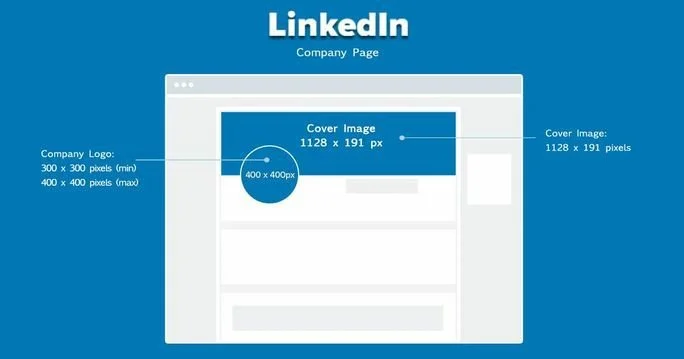
• Profile image: 400 x 400 pixels
• Sharing horizontal images to company page or personal profile: 1,104 x 552 pixels
• Sharing links with an image to a company page or personal profile: 1,200 x 628 pixels
• Cover image: 1584 x 396 pixels (Profile), 1128 x 191 pixels (Company Page)
-
Threads
• Profile image: 320 x 320 pixels
• Sharing a single image: Any size
• Sharing multiple images: Any size and combination of images
-
Pinterest
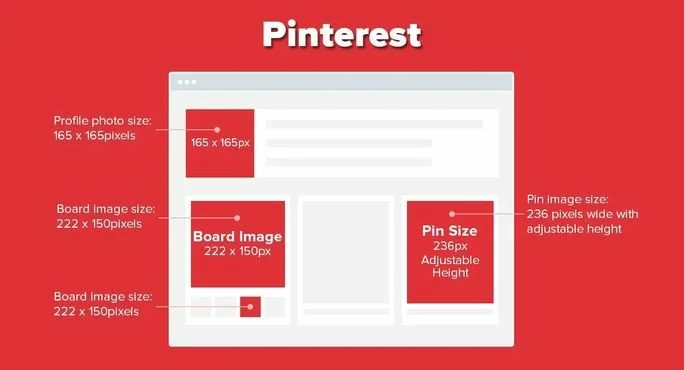
• Profile image: 165 x 165 pixels
• Sharing images: 1000 x 1500 pixels
• Cover image: 800 x 450 pixels
-
YouTube
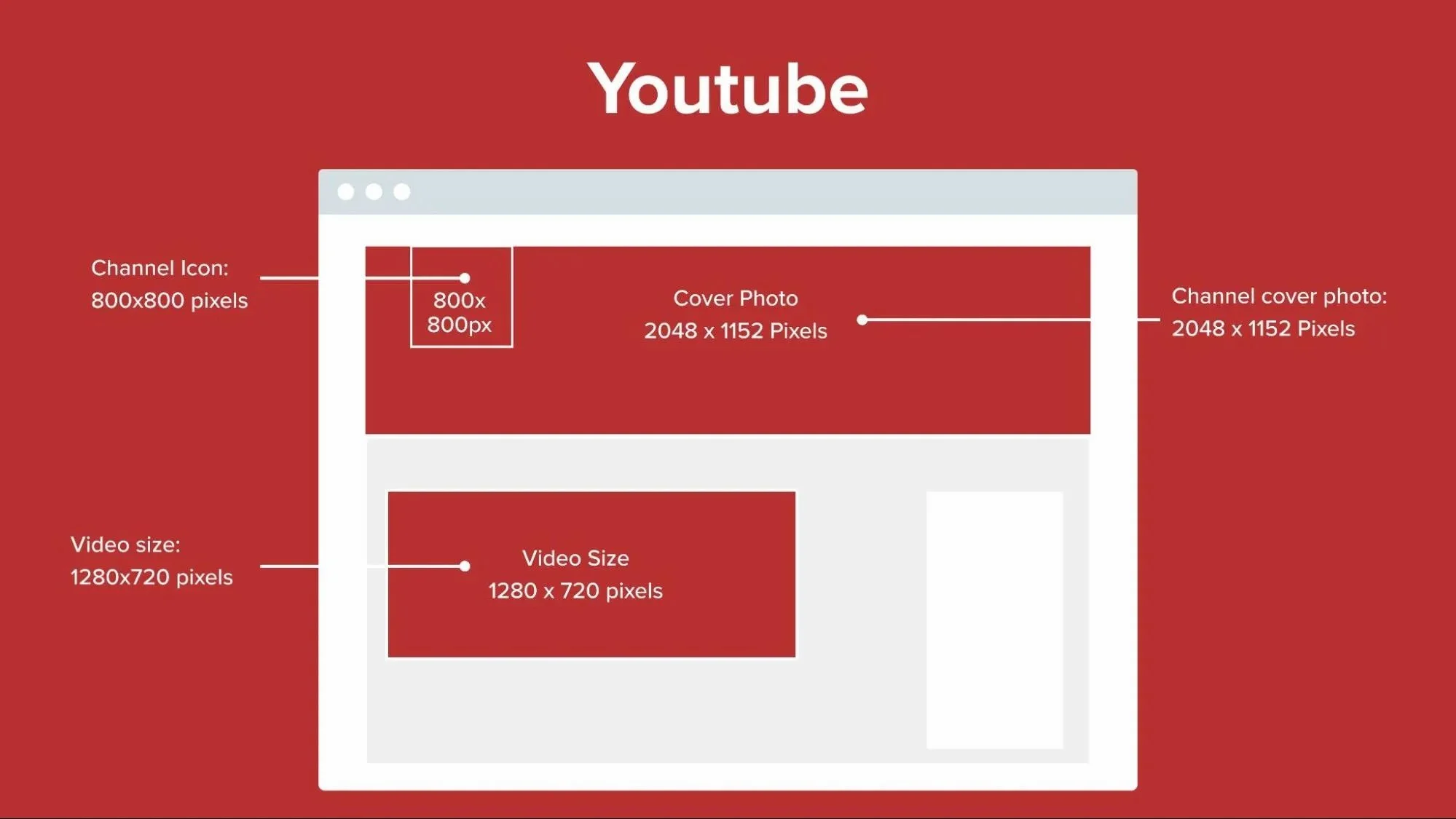
• Profile image: 800 x 800 pixels
• Thumbnail: 1280 x 720 pixels
• Banner image: 2048 x 1152 pixels
-
TikTok
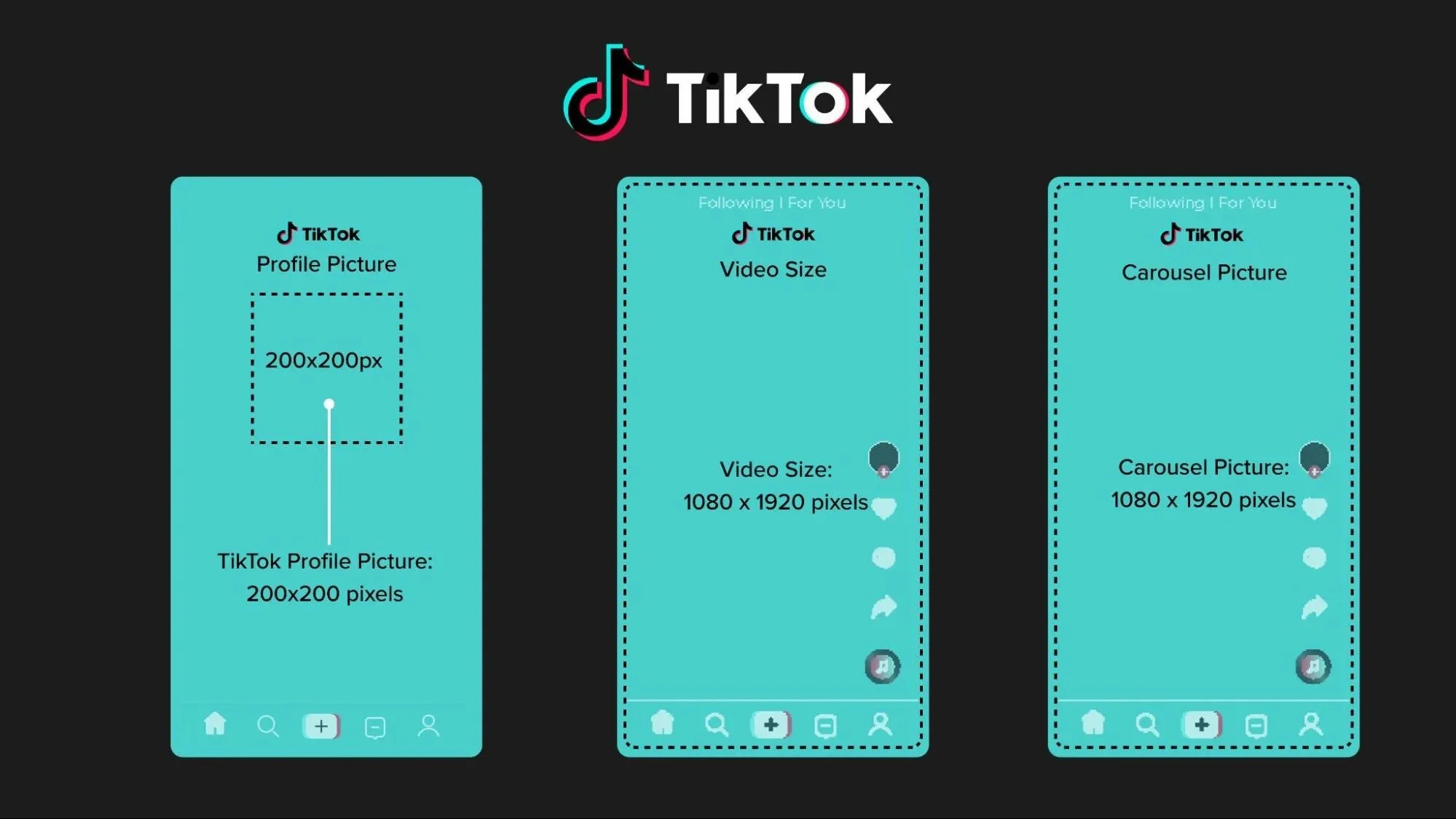
• Profile image: 200 x 200 pixels
• Horizontal (landscape) images: 1920 x 1080 pixels
• Vertical (portrait) images: 1080 x 1920 pixels
• Square images: 1080 x 1080 pixels
• Stories: 1080 x 1920 pixels